
Combine All Your Google Drives, Into One Big Storage Pool For Free.
Have multiple Google accounts? Pool the free 15 GB from each account into one large storage volume. Automatically upload to empty drives and search all files in one place.
Start in 3 Simple Steps
No complicated setup. Connect your Google accounts in seconds and enjoy unified storage.
1. Connect Your Google Accounts
Sign in with your Google accounts via official Google OAuth with a single click.
2. Storage Combines Automatically
Each free 15 GB account pools together (3 accounts = 45 GB, 5 accounts = 75 GB).
3. Upload & Search in One Place
Upload without worrying about storage limits, and find any file across accounts instantly.
Try It: Smart Upload Simulation
Select a sample file below to see how SkyDrive automatically picks the right Google Drive account.

Select a sample file below to see how SkyDrive picks the right Google account.
Selected File: Video_Liburan_Keluarga_4K.mp4 (4.2 GB)
Automatic Target: File is directly routed to email.kantor.kuliah@gmail.com (School / Work Account (2 TB)) because it has the most free space available.
Privacy Guarantee: Files stream directly to Google Drive servers without ever touching SkyDrive storage.
Store More Without Paying for Extra Storage
Simple and intuitive. Manage all your Google Drive accounts without switching tabs or logging in and out.
Automatically Uses Empty Drives
When you upload files, SkyDrive automatically chooses the Google account with the most available space. You never have to worry about running out of room.
100% Private & Secure
SkyDrive never stores your files on our servers. Files stream directly between your browser and Google Drive via official Google authorization.
Monitor Free Space Across Accounts
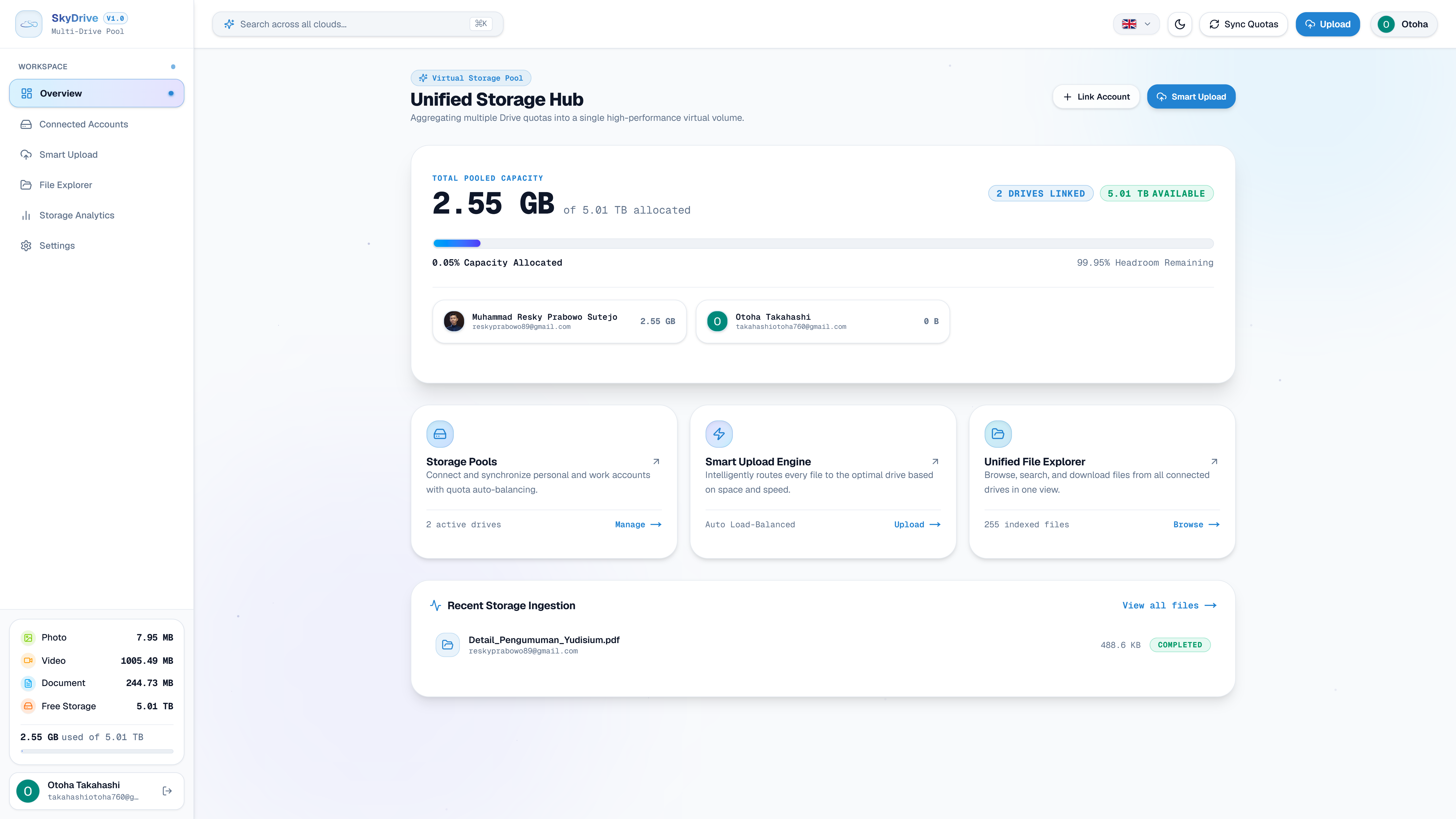
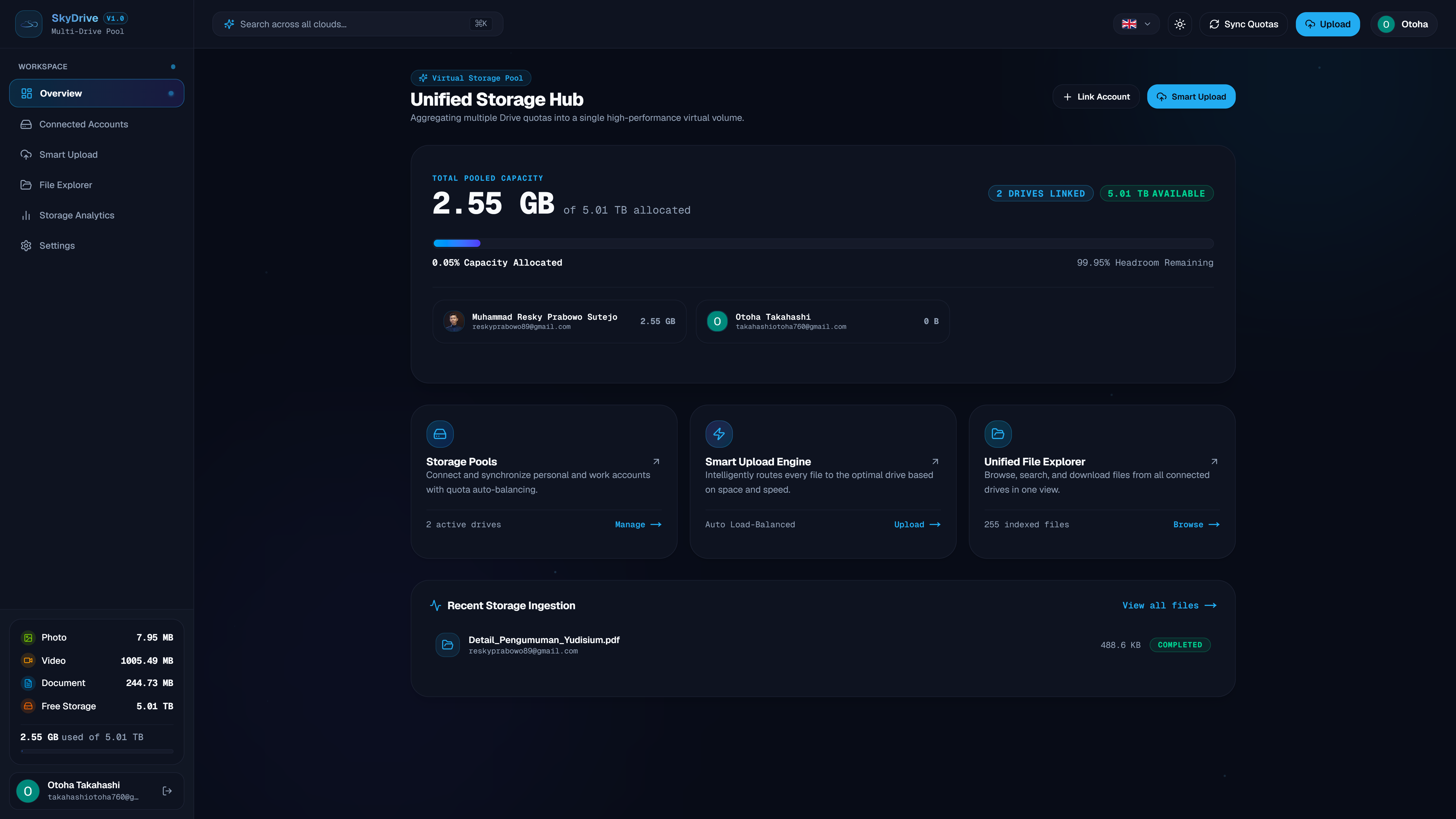
See your total combined storage and remaining space for each Google Drive account in one clear, easy-to-read dashboard.
Search Files Across All Accounts
No more opening 4 different browser tabs to find an old document. Type the filename, and SkyDrive finds it across all your accounts instantly.
Masalah Akun Terpisah vs Solusi SkyDrive
Lihat bagaimana kuota Google Drive yang terpisah membuat Anda kesulitan mengunggah file, dan bagaimana SkyDrive menyatukannya.
Each Google account fills up independently and cannot fit larger files
All your Google accounts pooled into one roomy volume
Is It Safe? Your Files Always Belong to You
SkyDrive only acts as a bridge. We never store copies of your files, cannot view your personal documents, and you can revoke access anytime in your Google Account settings.
Direct to Your Account
Files you upload stream directly to your Google Drive account. SkyDrive never stores copies on intermediate servers.
Minimal Permission Scope
SkyDrive only requests permission for files managed here. We cannot read your Gmail, contacts, or other personal files.
True Zero-Retention
SkyDrive never stores file names, links, or documents in server databases. Data is read live from Google Drive when you open the dashboard.